Most "AI for physical therapy" content you have seen so far is EMR vendors pitching documentation tools. It is useful work, but it is not the shift that actually changes what a cash-based clinic owner can do solo on a Tuesday afternoon.
The bigger shift is happening in general-purpose AI. Claude, the model from Anthropic, now ships with something called skills. A skill is a packaged set of instructions Claude loads automatically when your conversation matches the topic. Anthropic released the system in late 2025 [1], and a small ecosystem of role-specific skills has been forming around it ever since.
I built one of those for PT clinic owners.
This guide walks through the seven Claude skills bundled in the Behind the Practice plugin, what each one does, and the specific clinic-owner moments they solve. It also covers what Claude skills are without the jargon, why they fit cash-based PT specifically, and how to install the plugin in about three minutes.
If you are trying to figure out where AI actually pays off in a small clinic, this is the practical version of the answer.
What Claude Skills Actually Are (Without the Jargon)
A Claude skill is a folder of instructions Claude loads when the conversation calls for it. You do not have to remember the right prompt or paste in a long template. You describe what you want, and Claude pulls the matching skill into context.
Three things separate skills from the AI tools you have probably tried before.
They activate automatically. Custom GPTs and saved prompts only fire when you remember to switch into them. Skills trigger on intent. If you say "write me a handout for rotator cuff post-op," the patient handouts skill loads itself and follows the right format.
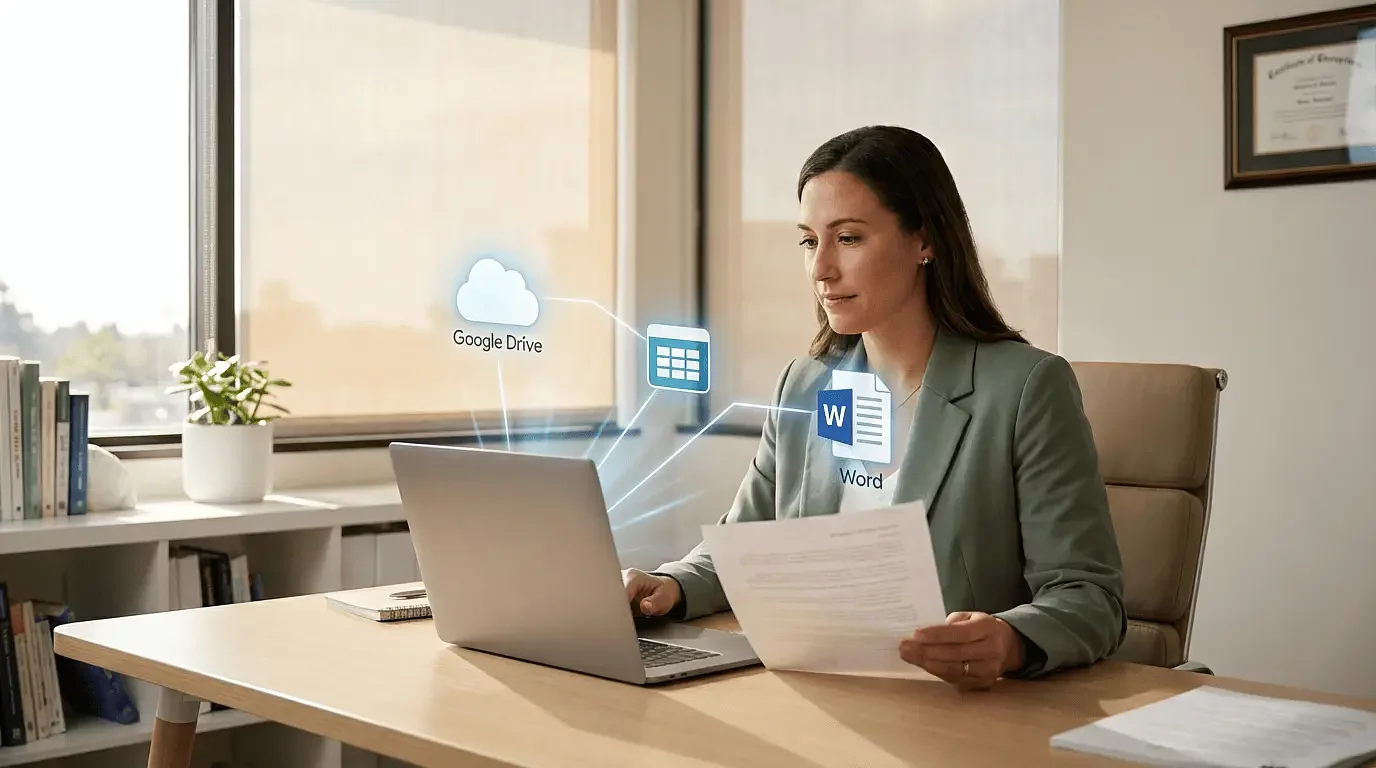
They write real files. Skills can produce branded Word documents, calendars, and structured outputs that you save to your computer. This is closer to a junior team member finishing a task than a chatbot returning text.
They are free to install but require Claude Cowork. Cowork is the desktop app available with Claude Pro or Max [2]. The skills themselves are free and open source on GitHub. Cowork is what gives Claude permission to install plugins and write files locally. Free claude.ai does not support plugins yet, and there is no workaround on the free tier today.
If you are already using Claude.ai casually, upgrading to Pro and installing the desktop app is the entire technical lift. There is no API setup, no developer config, no coding.
For more background on Cowork itself, see Claude Cowork Just Launched: Why PT Practice Owners Should Pay Attention.
Why This Matters Specifically for Cash-Based PT Clinic Owners
Cash-based clinic owners wear roughly ten hats before lunch. Treating, marketing, content, sales conversations, hiring, intake, evidence research, social media. Usually with no marketing team behind any of it.
Generic AI tools are useless for half of this. Not because they are not capable, but because every conversation starts from zero. ChatGPT does not know your population, your offer, your voice, or what makes your clinic different. So you spend the first ten minutes of every interaction explaining the same context, and you still get generic output.
Here is what skills change.
The first skill in the plugin, clinic-profile-setup, runs once. It walks you through your population, your specialty, your typical patient outcomes, your voice, and your brand. That information lives in a file Claude reads from for every other skill in the plugin.
So when you ask the social planner to build a content calendar, it already knows you are a pelvic floor PT in Indianapolis serving postpartum women. When you ask the offer builder to refine your pricing, it already knows you have been per-session and want to move toward outcomes. When you ask for a patient handout, it pulls in your clinic's name, your colors, and your voice.
This is the part most "AI for PT" articles miss. The breakthrough is not that AI can write content. It has been able to do that for two years. The breakthrough is that you can finally make AI understand your specific clinic without re-explaining yourself every time you open a new chat.
For the broader argument, see How Should Physical Therapy Clinics Actually Be Using AI?
The 7 Skills, Explained
1. clinic-profile-setup
Run this one first. It is the foundation every other skill in the plugin depends on.
The skill walks you through a structured intake. Your specialty, population, geographic market, typical patient outcomes, voice, brand colors, current offer, booking link, and contact details. It saves the answers to a local file. Every other skill reads from that file when it runs, which is what makes the rest of the plugin feel personalized instead of generic.
Plan on 10 to 15 minutes for the initial setup. You can update it any time your offer, niche, or voice evolves. It is a living document, not a one-time form.
2. pt-offer-builder
This one walks you through building an outcome-based offer using the $100M Offers value equation, applied to a PT context. The skill prompts you through niche, desired outcome, guarantee, delivery, and price. It pushes back when something feels generic and helps you escape per-session pricing.
Use it when you have outgrown billing by the visit and want to package your work as a transformation patients pay for up front. You will end the conversation with a clear offer document with niche, outcomes, terms, and price that you can stress-test before publishing.
For why this matters before you do anything else with marketing, see Why Your PT Clinic Needs an Offer (Not Just Sessions).
3. pt-patient-handouts
Generates branded Word documents for patient education. Post-op sheets, home exercise programs, condition explainers, prep instructions for first visits. The skill pulls in your clinic's voice and brand colors from your profile, so the output looks like it came from your practice rather than a generic template library.
You ask for what you need ("rotator cuff post-op week 1 home program"), and the skill returns a .docx file you can edit, print, or email. It also flags anywhere it is making clinical assumptions you should override based on your specific patient.
This is the highest-leverage skill for clinic owners with no admin support. Twenty handouts that used to take you a weekend take you about an hour.
4. pt-clinical-evidence
Synthesizes peer-reviewed evidence on a clinical topic. The skill pulls from PubMed, Cochrane reviews, JOSPT, British Journal of Sports Medicine, and clinical practice guidelines, then summarizes findings with citations.
It has a strict no-diagnosis guardrail. It will not interpret findings for a specific patient. It is built for the moment you need evidence backing for a piece of content, a CEU prep, a question you are getting from referrals, or a conversation with a skeptical patient.
You would use it to prep before writing a blog post on post-surgical knee rehab, or to refresh on the latest guidance for low back pain before a presentation. The output is the literature review you would assign an intern, except it is done in five minutes.
5. social-content-planner
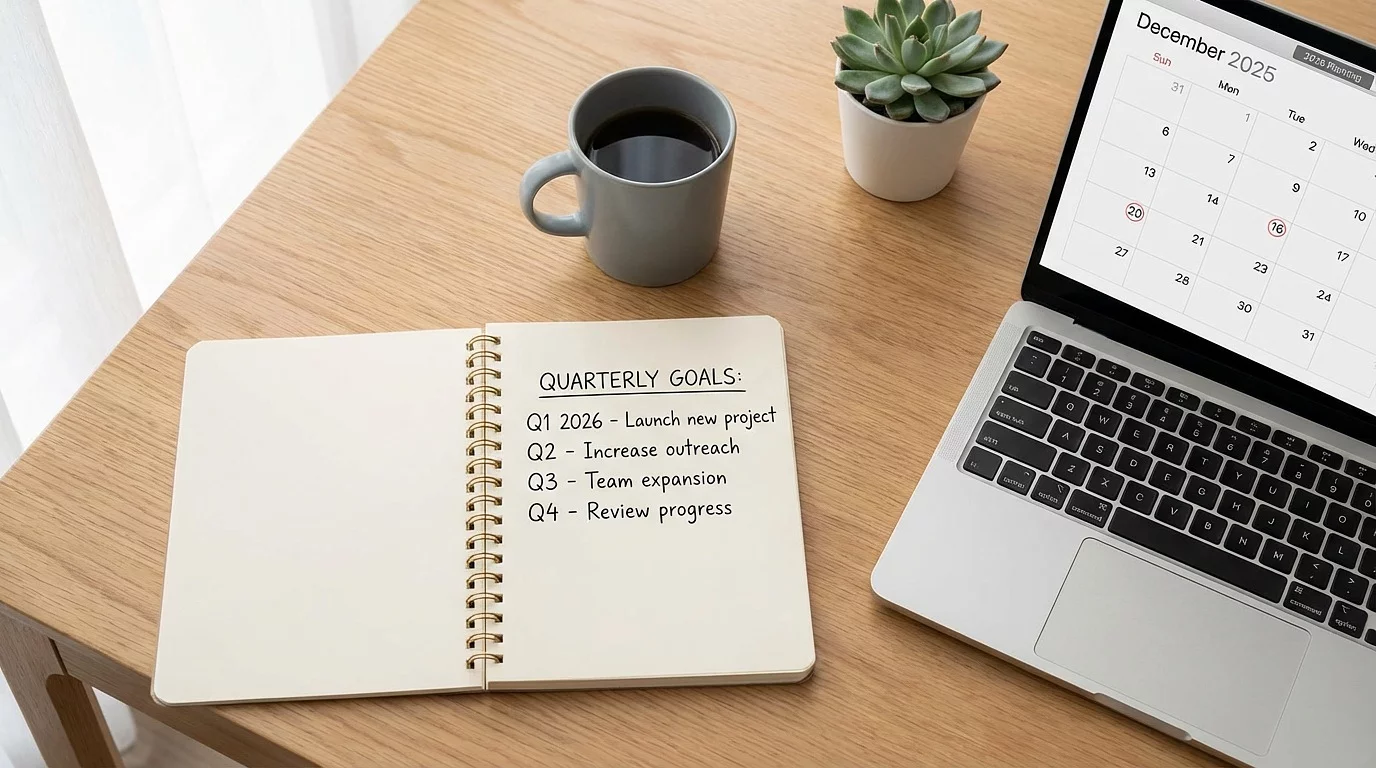
Plans multi-week Facebook and Instagram calendars. The skill mixes five post types (educational, behind-the-scenes, social proof, offer-related, and engagement) and explicitly avoids repeating themes from your recent posts.
You tell it how many weeks you want, the platforms, and any campaigns or events to weave in. It returns a structured calendar with topics, captions, and notes for each post. You can hand the queue off to a VA or work through it yourself.
This is the skill that takes "what should I post this month" off your plate. Most clinic owners burn an hour every Monday on this exact question.
6. social-post-creator
The companion to the planner. Drafts a single post end-to-end with caption, AI image prompt, and posting note. Use it when you need one post fast, when you are fleshing out a calendar entry, or when something timely just happened in the clinic that is worth posting about.
The skill knows your voice and your audience from the profile, so the captions do not sound like a SaaS marketing tool wrote them. The image prompts are tuned for AI image generators and reflect your brand style.
7. feedback
This one is the smallest skill in the plugin and the most important for the long term. It sends bug reports, feature requests, and "I wish there was a skill that did X" notes back to me. Anonymous by default. You opt in if you want a follow-up.
It is the mechanism for shaping what gets built next. The plugin is intentionally a starting point, not a finished product, and the next skill that ships will be the one clinic owners actually ask for. If you use the others and notice a workflow that should be a skill, send it through.
How to Install (in 4 Steps)
Installing takes about three minutes once you have Claude Cowork running.
- Open Claude Cowork. This is the desktop app and requires Claude Pro or Max.
- Go to Settings, then Plugins.
-
Add the marketplace by pasting
jclev-dev/behind-the-practice-pluginsinto the marketplace field. -
Install the plugin and run
/btp:clinic-profile-setupto set up your profile.
Once the profile is built, the other six skills are available immediately. You can call any of them by name (/btp:pt-offer-builder) or just describe what you want and Claude will pick up the right one.
The full install instructions, including troubleshooting for older zip-based skill versions, live on the install page: behindthepractice.io/resources/claude-skills.
What's Coming Next
This plugin is a starting point, not a finished product. The skills you see today reflect the workflows clinic owners have asked for so far. New ones ship as more requests come in.
A few things on the radar based on conversations I have already had:
- Review-response generation that drafts on-brand replies to Google reviews, positive and negative.
- Intake-form drafting for new patient onboarding emails.
- Hiring scorecards that turn a job posting into a structured interview rubric.
- Weekly metrics review that takes your numbers (new patients, conversion, no-shows) and surfaces the one thing to look at this week.
None of those are committed timelines. They are examples of where the plugin could go. The actual next skill will be whatever clinic owners ask for most often.
If there is a workflow in your clinic that feels like it should be a skill, run /btp:feedback and send it through. That is the fastest way to influence what gets built.
Putting These to Work in Your Clinic
Claude skills are the first time AI has felt genuinely useful for the way clinic owners actually work. Not because the model got smarter, but because it finally has the context it needs to be specific to your practice.
The plugin is free. Install takes three minutes. The biggest lift is the 10 minutes you spend on clinic-profile-setup at the start.
If you want help putting these to work in your specific clinic, your offer, your content, your patient education library, book a free strategy call. And subscribe to the newsletter on the install page to hear when new skills ship.