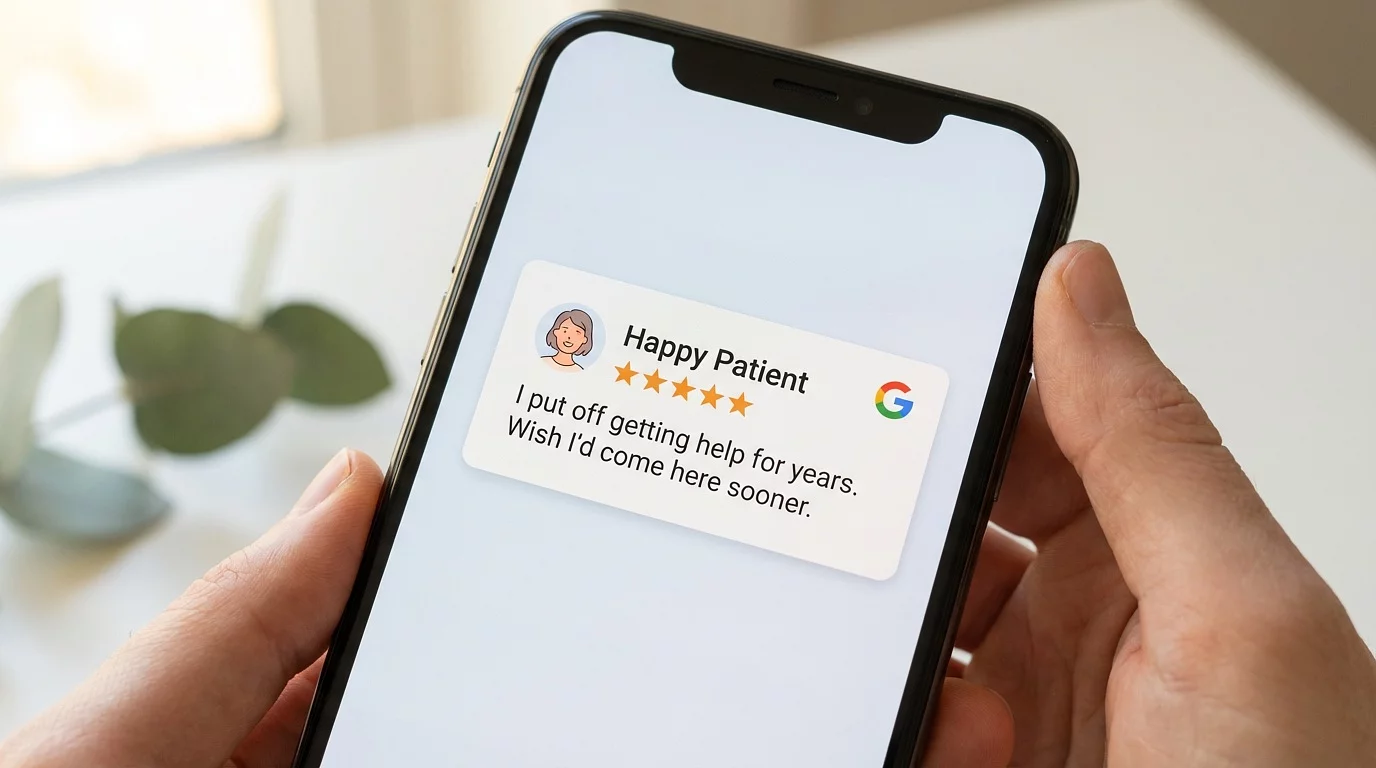
Google reviews are one of the most powerful growth tools for any PT practice — but if you specialize in pelvic floor therapy, women's health, or any area where patients deal with sensitive conditions, you already know the problem. Your patients love the care they receive. They just don't want to broadcast why they needed it. And that gap between patient satisfaction and google reviews patient privacy concerns is costing you new patients every single week.
Here's the good news: there are two practical ways to solve this — and most clinics don't know about either one.
Google Now Lets Reviewers Use a Pseudonym
In November 2025, Google quietly rolled out a feature that changes the game for practices like yours. Reviewers can now set a custom display name and profile picture that only appears on their Google Maps contributions — including reviews [1].
Here's what that means in practice:
- Your patient's real name stays on their Gmail, Google Workspace, and everything else
- Their reviews show up under whatever nickname they choose
- Businesses cannot see the reviewer's real identity — only the pseudonym
- The review carries the same weight in Google's algorithm as any other review [2]
This isn't a workaround or a hack. It's a first-party Google feature designed specifically for people who want to share their experience without putting their name on it.
How to Set Up a Pseudonym (Step by Step)
The setup takes about 60 seconds. Here's exactly what your patients need to do:
- Open Google Maps and tap their profile icon
- Check the box that says "Use a custom display name & picture for posting"
- Enter a display name (any nickname they'd like)
- Choose a profile picture — they can pick from Google's illustrations, use a photo from their library, or upload something new
- Tap Next, then Confirm
That's it. The pseudonym applies to all past and future reviews, and they can change it or switch back to their real name anytime [1].
This is simple enough to walk a patient through in 30 seconds — or to include in a follow-up email with a screenshot.
What If They Don't Want to Change Their Name?
Not every patient needs a pseudonym. Some are perfectly comfortable using their real name — they just don't know what to say. They're worried that writing a review means sharing details about their condition, and that feels too personal.
This is where a little coaching goes a long way. The key is teaching patients to focus on the experience and the outcome — not the diagnosis.
Here are some examples of reviews that are genuinely helpful without revealing anything private:
"I came in with a problem I'd been dealing with for years. After 6 weeks, I feel like a completely different person."
"The staff made me feel comfortable from my very first visit. I was nervous about coming in, but they explained everything clearly and never made me feel rushed."
"I put off getting help for way too long. Wish I'd started here sooner — the results speak for themselves."
Notice what these reviews have in common: they talk about how the patient felt, what the experience was like, and what the result was. None of them mention a specific condition, and all of them are the kind of reviews that would convince someone else to pick up the phone.
You can frame this for patients simply: "You don't have to mention anything specific about why you came in. Just sharing what the experience was like helps other people who are nervous find us."
How to Bring It Up Without Making It Awkward
The biggest mistake clinics make with reviews isn't asking — it's how they ask. With sensitive specialties, the conversation needs to be handled with care.
Mention both options proactively. Don't wait for a patient to tell you they're uncomfortable. At their last visit or in a follow-up message, let them know:
"We'd love it if you shared your experience on Google. And if you'd rather not use your real name, Google actually lets you post under a nickname now — here's how."
Acknowledge the sensitivity directly. Something like: "We know pelvic health is personal. A lot of our patients leave reviews under a nickname, or they just share what the experience was like without mentioning specifics. Either way, it helps other people who are nervous find the right provider."
Frame it as helping someone else. Most patients won't leave a review as a favor to you. But they will do it to help someone like them who's been putting off getting care. That reframe changes the entire dynamic.
Keep it to one mention. Given the nature of the care, any follow-up pressure undermines trust. Make it easy, make it clear, and then let it go.
What to Put in Your Review Request
Whether you ask in person, via text, or through a follow-up email, your messaging needs to be HIPAA-compliant. That means never referencing the patient's condition, treatment, or even confirming that they're a patient in any written communication.
Here's a template you can adapt:
"Hi [First Name] — thanks for coming in! If you'd like to share your experience, we'd really appreciate a Google review. You can write about what the visit was like, how you felt about your care, or anything that stood out. And if you'd prefer, Google now lets you post under a nickname — [link to instructions]. Here's our review link: [direct Google review URL]"
Pro tip: Create a simple one-page handout or a short section in your follow-up email that covers:
- A direct link to your Google review page
- 2-3 example review prompts (like the ones above)
- The 5-step pseudonym setup instructions
Make the whole thing skimmable. The less friction, the more reviews you'll get.
Why This Matters More Than You Think
If you're running a practice in a sensitive specialty, you might be tempted to write off reviews as something that just won't work for you. But the data says otherwise:
- 94% of patients use online reviews to evaluate healthcare providers [3]
- 83% of patients require at least a 4-star rating before they'll even consider a provider [4]
- A one-star increase in your Google rating can boost revenue by 5-9% [4]
- Practices with strong review profiles earn up to 37% more revenue annually [3]
And here's the thing most practice owners miss: your Google Business Profile is often the first thing a potential patient sees — before your website, before your social media, before anything else. Reviews are the trust layer that turns a search result into a phone call.
If you want to go deeper on making Google work for your practice — from your Business Profile to local search rankings — our Google Visibility Blueprint walks you through the entire system step by step.
The Bottom Line
You don't have to choose between respecting patient privacy and building your online reputation. Give patients two clear paths: use a pseudonym if they want full privacy, or write about their experience without mentioning their condition. Most patients are willing to help — they just need to know it's okay and how to do it.
If you're building a practice in the Muncie area or anywhere nationwide and want help turning your online presence into a patient acquisition engine, Behind the Practice can help. Book a free strategy call or call us at 317-308-9616 — no pressure, just a conversation about where you stand and what's possible.